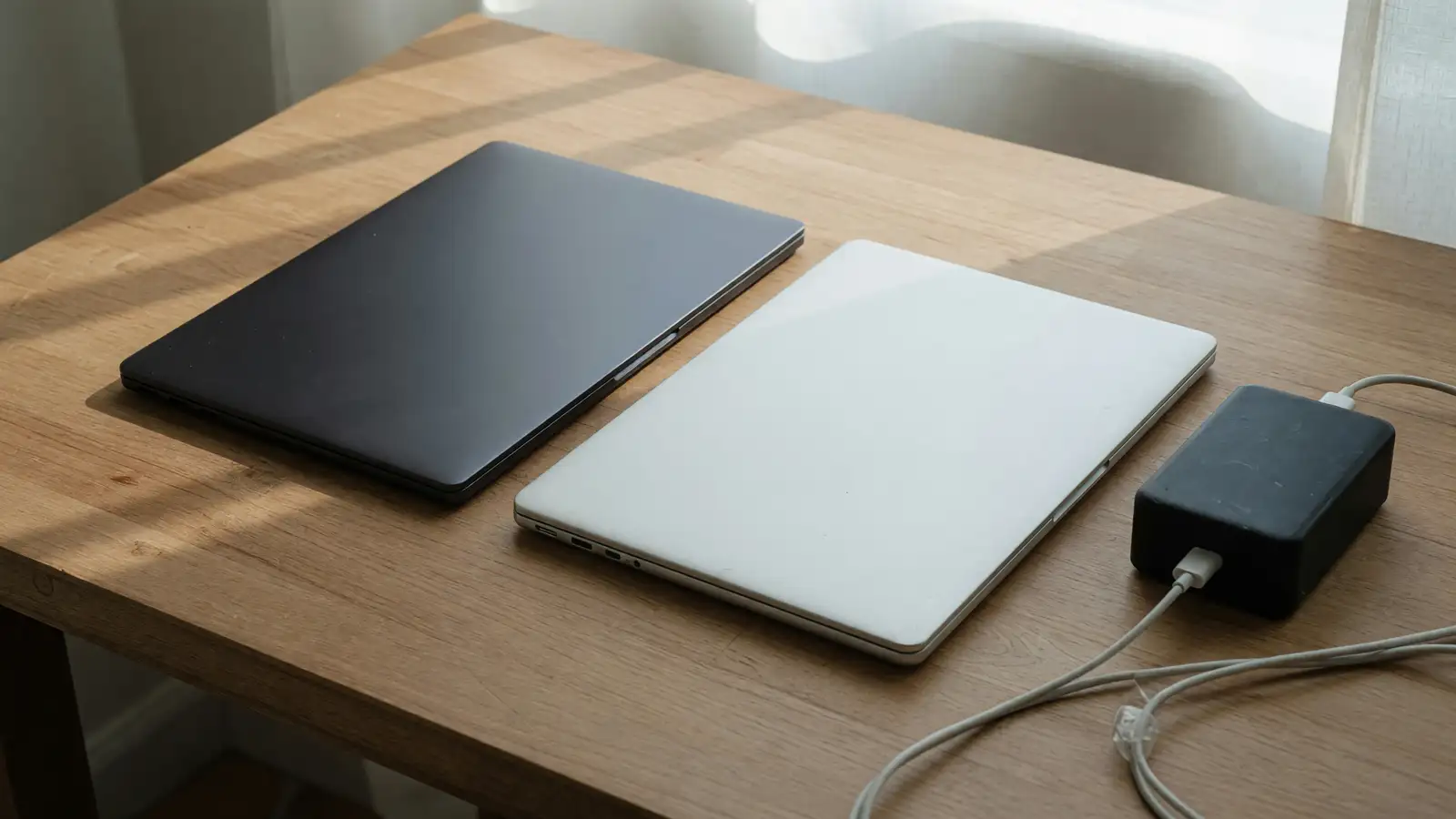
Ultrabookreview dated October 16 put a 20-core Nvidia RTX Spark N1X in a 14-inch ProArt shell: 6,144 CUDA cores, 128 GB of LPDDR5x-9400, $6,499 in the US. The same piece prices a 14-inch MacBook Pro with M5 Max and 128 GB at $6,699. Two hundred dollars. Two operating systems. One of them has HDMI.
PCMag on the same Friday ran first AI tests on a ProArt P16, not this P14, against an M5 Max. Brian Westover’s bottom line: the Spark machine is competitive with the MacBook Pro in a way no other Windows box is, and the particular M5 Max he used still kept the edge. ThePCEnthusiast on October 17 is a price table plus a buyer’s note: unless you need CUDA, the M5 Pro at 64 GB and $3,699 is the local-AI default. Three write-ups. Mix the P14 and the P16 and you will order the 16-inch.
We already ran Surface Laptop Ultra against a MacBook Pro and OmniBook Ultra 14 against the 14-inch Pro. This week the 14-inch Spark is Asus’s, and the battery number is 5 to 7 hours.
$6,499 is 1 TB. $6,699 is often 2 TB
Ultrabookreview’s review unit is the expensive row: 20-core Grace CPU, 6,144 CUDA Blackwell, 128 GB soldered, 1 TB Samsung PM9C1b in a single M.2 2280 slot. $6,499. Configurations with 64 or 128 GB are the ones the author says actually make sense. 32 GB starts at $3,099. The 18-core, 5,120 CUDA, 24 GB, 512 GB SKU is $2,599. Do not shop the $2,599 and quote the 128 GB LLM story.
The MacBook Pro 14 M5 Max with 128 GB, in that same paragraph, is $6,699. ThePCEnthusiast’s table puts that 128 GB Max with 2 TB of SSD at $6,699, and the Surface Laptop Ultra 20-core 128 GB / 1 TB at $5,899.99. Ultrabookreview also lists OmniBook X 14 128 GB from $5,199 and a Lenovo Pro 9n a little over $6,000. If you only need 128 GB of unified memory, the Surface and the OmniBook are the cheaper Spark cousins. This pair is the 14-inch ProArt versus Apple’s 14-inch Max, because that is the price rhyme the P14 review actually printed.
ThePCEnthusiast’s recommendation is not even the Max. M5 Pro, 64 GB, 1 TB, $3,699, for most people who want local models without CUDA. At 48 GB and 64 GB they call the Pro roughly $600–$700 cheaper than the comparable Surface. Spark’s 128 GB Surface is about $799 under the 128 GB Max, with half the SSD. Those rows are shopping. They are not Ultrabookreview’s 3.3-pound P14.
Soldered RAM is both machines. The P14’s trick is splitting the 128 GB between system RAM and vRAM, down to 32/96 if you want the GPU fat. Ultrabookreview says that split is why you buy Spark for local LLMs. Apple does not give you a 96 GB vRAM slider. CUDA does not run on the Max. If your stack is PyTorch CUDA, the P14 is the 14-inch that exists. If your stack is MLX or llama.cpp on Metal, the Max is the 14-inch that exists. Do not buy 128 GB to run Chrome.
90 Wh and 5 to 7 hours
The P14 carries a 90 Wh pack and a 140 W USB-C brick that Ultrabookreview calls bulky: two pieces, long cables, braided detachable USB-C, not Asus’s single-cable 140 W GaN. At about 120 nits and Windows Best Power Efficiency, mixed real-life use landed around 5 to 7 hours. Idle and video were “fairly competitive.” Browser work drank. The author says other mobile platforms run lighter work more efficiently, and the big cell only somewhat compensates.
PCMag has not published its ProArt battery rundown yet. Nvidia’s claim, in that piece, is 99% of plugged-in performance on battery, in a 0.55-inch, 3-pound-class Spark chassis, 45 to 80 W TDP, TSMC 3 nm. Claim is not Ultrabookreview’s 5–7. Do not paste 99% onto the P14’s browser test.
The MacBook Pro 14 is the machine this site keeps beating Windows 14-inchers with on unplugged days. We do not have a matching 120-nit mixed number for the M5 Max in these three sources, so do not invent 18 hours. Do print that the P14’s own reviewer called mixed use unimpressive for the class, with a 90 Wh cell that is larger than most 14-inch packs. A bigger tank with a thirstier sip is still a short afternoon.
Weight: 3.3 lb / 1.49 kg, plus 0.9 lb for the charger. Footprint about a Zephyrus G14 or a MacBook Pro 14, slightly slimmer, 13.9–15.9 mm. 150-degree hinge. No fingerprint reader. IR webcam. If you walk the brick, you are carrying about 4.2 lb. The Max’s brick is smaller. That is a bag argument, not a FLOPS argument.
Ports versus a petaflop slide
Left: two USB-C 4.0, HDMI 2.1 FRL, combo jack. Right: USB-A 3.2 gen2, another USB-C 4.0, UHS-II SD. That is a working 14-inch. The MacBook Pro 14 still makes you carry a dongle for HDMI and SD. If your job is a camera card and a projector, the P14 wins the desk before anyone loads Qwen.
Display: 14-inch tandem OLED, 16:10, touch, glossy Gorilla Glass, 2880×1800, 30–120 Hz VRR, 600 nits SDR, 1,600 nits HDR peak, full DCI-P3. Tandem is the brightness and longevity pitch. Glossy is the office-light pitch. The Max is still the matte-or-not Apple panel you already know how to hate. Do not call 600 nits a field monitor because HDR peak is 1,600.
PCMag’s 1 petaflop FP4 figure is the 6,144 CUDA N1X at 45–80 W. The 5,120 CUDA step-down is less. Ultrabookreview’s unit is the 6,144 part. MLPerf Client Qwen 3 8B and ComfyUI showed up in that review as the AI section; the extract does not give me the millisecond row, so I will not fake one. The author could not run Cinebench R15 (no ARM native, no familiar power log) and used R24/26 instead. Notebookcheck, October 15, puts the GPU in RTX 5070 raw-power territory with more RAM for VRAM-heavy work, and flags ARM Windows game compatibility as still messy. Games are not why you spend $6,499. Local models are. Compatibility is why you might still spend $6,699.
ThePCEnthusiast says some agent workloads on a 20-core 128 GB Spark Surface finished faster than a similarly equipped M5 Max, in specific llama.cpp setups, not in every engine. That is a Surface, not the P14. Steal the caution, not the trophy. Independent agent traces are not Ultrabookreview’s mixed-use clock.
| Job | ProArt P14 20c 128 GB | MacBook Pro 14 M5 Max 128 GB |
|---|---|---|
| Street price in these pieces | $6,499 (1 TB in the review unit) | $6,699 (2 TB in ThePCEnthusiast’s Max row) |
| Weight | 3.3 lb, plus 0.9 lb brick | Not weighed here; smaller brick |
| Mixed battery, measured | 5–7 h at 120 nits | Not in these three tests |
| On-battery AI claim | Nvidia 99% (PCMag untested) | Apple’s usual unplugged story, unquoted here |
| Ports | HDMI, USB-A, SD, 3x USB-C | Dongle for HDMI/SD |
| CUDA / 96 GB vRAM slider | Yes | No |
| OS | ARM Windows | macOS |
Nano Black shows oil and already scuffed on the review lid edge. Neo White hides it. Keyboard 1.7 mm travel. Glass haptic pad. Dual-fan, dual-radiator, triple heatpipe. Silent under 35 dBA at 35/45 W, Performance about 48 dBA at 70/95 W. Those are fan curves. They are not Apple’s fan curves. If you buy Spark to sit on a plane tray, Silent is the mode, and Silent is 35 W.
9to5Mac spent October 15 previewing a touchscreen MacBook Pro for an October 28 event. That machine is not this Max. Do not wait for a rumor to fix HDMI. Do not use a keynote invite as a reason to skip the P14’s SD slot if you need the slot this week.
Who should spend the $6,499
Buy the ProArt P14 if CUDA is a requirement, if 96 GB of vRAM is a requirement, and if HDMI plus SD plus USB-A are how you actually work. Plug it in. Treat 5–7 hours as a meeting buffer, not a coast-to-coast flight. Stay on the 20-core 64 or 128 GB configs. The $2,599 24 GB SKU is a different product.
Buy the MacBook Pro 14 M5 Max if you want the 128 GB Apple number without ARM Windows, without a 140 W two-piece brick, and without hoping Nvidia’s 99% holds in PCMag’s unfinished battery test. PCMag’s P16 already lost the crunching edge to the Max. The P14 is slimmer than the P16 and not the machine Westover timed. Do not reverse that.
Buy neither 128 GB machine if ThePCEnthusiast’s $3,699 M5 Pro 64 GB covers the models you actually load. 64 GB is a lot of local weights. 128 GB is a brag until the model does not fit. Surface Ultra at $5,899.99 for 128 GB / 1 TB is the cheaper Spark 14-inch-class cousin they tabled. We already wrote that Ultra against a Pro. Do not re-buy it here because the P14 is prettier.
Framework 12 versus XPS 13 was a $1,491 repair story. This pair is six thousand dollars of unified memory. If you wanted a user-replaceable board, you are in the wrong aisle. If you wanted a camera workflow without a dongle, you are at least in the right chassis on the Asus side.
Power profiles on the P14 are four named noise numbers, not four named battery numbers. Silent is how you might get closer to the high end of 5–7. Performance is how you get 48 dBA and 70 W in your lap. Apple does not publish that table in these pieces. Assume the Max is the quieter all-day machine until someone prints a matching 120-nit mixed test. Until then, the only mixed clock we have is Asus’s.
Wi-Fi 7 is MediaTek MT7925 plus Bluetooth 5.4 on the P14 sheet. That is a radio, not a reason to pick CUDA. Storage is one stick. If the PM9C1b dies, you have one slot, not two. Apple’s 2 TB row in the Max table is still not user-swappable. Different brick walls.
Winner is the MacBook Pro 14 M5 Max for the person reading a laptop comparison on this site. The P14 is the specialist: ports, CUDA, a 90 Wh cell that still dumps you in the evening. $200 less than Apple’s 128 GB Max is not a bargain if you also buy a dongle-free afternoon and then plug in at hour six. Nvidia’s 99% is a slide. Ultrabookreview’s 5–7 is a clock.