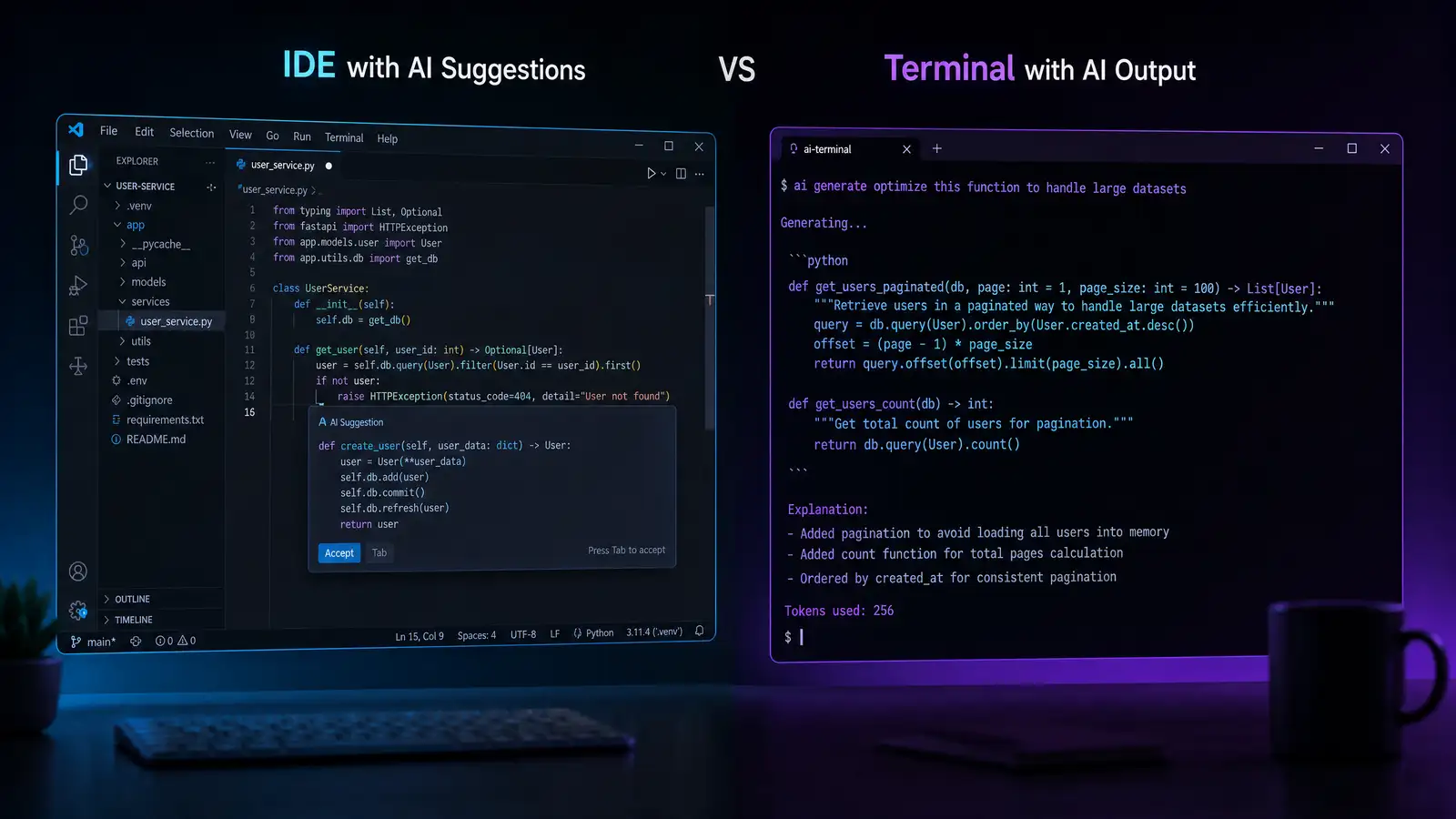
If you’re a developer in 2026, someone on your team has already tried to convince you to switch to their favorite AI coding assistant. The two names that come up most often are Cursor and Claude Code. Both are excellent. Both have real weaknesses. And the choice between them comes down to one question: how do you actually want to work?
What They Are
Cursor is a full IDE built on VS Code with AI deeply integrated into every interaction — autocomplete, codebase-wide refactoring, natural language file creation. It’s not an extension. It’s a code editor designed around AI from the ground up.
Claude Code is Anthropic’s agentic coding tool. It runs in your terminal, reads your codebase, writes code, runs tests, and iterates on its own output. It doesn’t replace your editor. It works alongside whatever IDE you already use.
Feature Comparison
Code Understanding
Cursor indexes your entire project and maintains that index in the background. When you ask it a question about your codebase, it already has the context loaded. The search is fast and the answers are generally accurate.
Claude Code reads files on demand and builds context as it works through a task. For smaller projects, this is nearly instantaneous. For large codebases, it can take a few extra seconds as Claude traverses the directory structure.
Edge: Cursor for large, established codebases. Claude Code catches up quickly on smaller projects.
Code Generation Quality
Both tools use Claude under the hood (Cursor supports multiple model providers, but Claude is its default). The generation quality difference is therefore marginal. Where they diverge is in workflow:
- Cursor generates code inline, showing you diffs you can accept or reject before the code lands in your file.
- Claude Code writes code directly, then shows you the result. You can ask it to iterate, and it will revise until you’re satisfied.
Cursor’s approach is more controlled. Claude Code’s approach is faster when you know what you want and trust the tool to get it right on the first or second pass.
Agentic Capabilities
This is where Claude Code pulls ahead. Claude Code doesn’t just write code — it runs terminal commands, executes tests, reads error output, and adjusts its approach based on what actually happened. It closes the loop between “write code” and “verify code works.”
Cursor has agentic features too, but they’re more limited. It can run terminal commands, but the integration isn’t as seamless. You’re more likely to switch between Cursor’s AI panel and your terminal manually.
Edge: Claude Code for autonomous workflows where you want the AI to write, test, and fix in one continuous loop.
Editor Experience
If you’re already comfortable in VS Code, Cursor will feel like coming home — because it is VS Code, just with AI built deeper. All your extensions work. Your keybindings work. Your themes work.
Claude Code doesn’t compete with your editor. You open it in a terminal alongside whatever IDE you prefer. This means you don’t have to learn a new editor, but it also means you lose the tight integration that makes Cursor feel so natural.
Pricing
Cursor’s pricing model is subscription-based, with a free tier that gives you a limited number of AI completions per month. The paid plans start around $20/month for individual users.
Claude Code uses Anthropic’s API pricing model — you pay per token. For light usage, this can be significantly cheaper than a Cursor subscription. For heavy daily use, it can be more expensive. The break-even point depends on your project size and how much context you’re feeding the model.
Who Should Choose What
Choose Cursor if:
- You want an AI-native IDE experience
- You work on large codebases that benefit from persistent indexing
- You prefer a visual, diff-based review workflow
- You’re willing to switch editors for better AI integration
Choose Claude Code if:
- You want to keep your current editor
- You value agentic workflows (write → test → fix loops)
- You’re comfortable with terminal-based tooling
- Your usage is intermittent enough that per-token pricing saves money
The Verdict
Neither tool is objectively better. They solve different problems. Cursor is the better choice if you want your entire development environment to be AI-aware. Claude Code is the better choice if you want a powerful AI assistant that works alongside your existing tools without disrupting your workflow.
In practice, many developers we’ve talked to use both: Cursor for day-to-day coding and Claude Code for complex, multi-step tasks that benefit from agentic iteration. If you have the budget, that combination might be the most productive setup of all.