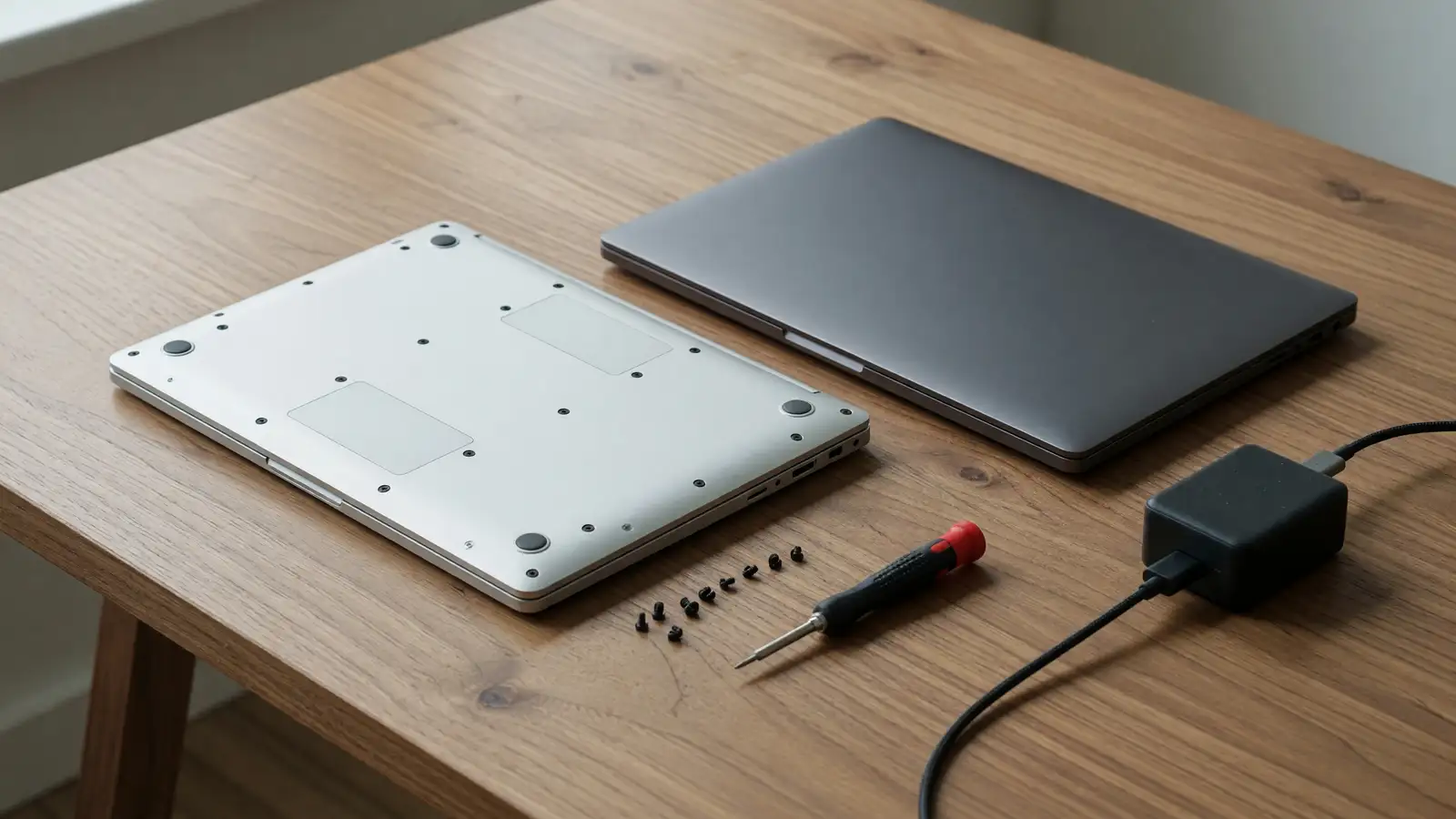
Framework 13 Pro vs MacBook Pro 14: 27 Hours Is the Headline
We already ran Framework 16 against MacBook Pro 16. That was philosophy at 16 inches: modules versus a sealed slab. This week’s number is smaller and meaner. On September 2, Notebookcheck pointed at PCMag’s battery test: the Framework Laptop 13 Pro lasted 27.5 hours playing a local 720p file at 50 percent brightness and full volume. The MacBook Pro 14 with M5 stopped just past 24. The Dell XPS 14 (2026) was around 21.
Apple spent a decade owning “it just lasts.” A repairable 13-inch Windows/Linux machine just beat the 14-inch Pro in the test people actually quote. That does not make the Framework a better laptop for everyone. It does mean the old insult, that opening a machine costs you a day of battery, is out of date.
The test, not the brochure
PCMag’s rundown is a video loop, not your compiler. Treat 27.5 versus 24 as a ranking, not a promise. Phoronix refused to publish a single battery number for that reason, then still said the 13 Pro lasted several hours longer than last year’s Ryzen AI 9 HX 370 and Ryzen 7 7840U Framework 13 configs. Notebookcheck’s own WLAN test is the more useful daily figure: 19 hours on the 13 Pro versus 8 hours on the 13.5 with the HX 370.
Framework’s own claim, per Phoronix, is up to 20 hours. That sits next to Notebookcheck’s 19-hour WLAN result and well below PCMag’s 27.5-hour video loop. The video loop is easy mode. The WLAN test is closer to email and tabs. If you edit video on battery, neither number is yours.
Asus’s Snapdragon X2 Elite Zenbook A14 still wins the same PCMag loop at 32 hours 24 minutes. If raw endurance is the only axis, buy that. This comparison is for people who were already looking at a MacBook Pro 14 or a Framework, not a Snapdragon ultraportable.
| PCMag 720p loop (50% brightness) | Hours |
|---|---|
| Asus Zenbook A14 (Snapdragon X2 Elite) | 32.4 |
| Framework Laptop 13 Pro | 27.5 |
| MacBook Pro 14 (M5, 2025) | ~24 |
| Dell XPS 14 (2026) | ~21 |
What Framework changed in the chassis
Phoronix’s sample is the hardware argument. The 13 Pro is a ground-up redo, announced in April: 74 Wh battery (Notebookcheck says 74.5), LPCAMM2 memory, CNC 6063 aluminum, haptic touchpad, a power-optimized touch display, Panther Lake. Weight 1.4 kg. Same outer size as the old 13, so bags still fit. Open-source CAD files still ship, which is a Framework habit Apple will not copy.
Notebookcheck says the 13 Pro feels more rigid than the old 13. That was the legitimate MacBook insult: early Frameworks flexed. A stiffer CNC shell plus a bigger cell plus Panther Lake is why the battery chart moved.
You can still retrofit. Old Laptop 13 owners can buy the Panther Lake mainboard. To fit the bigger battery you also need the 13 Pro keyboard deck. That is the modular pitch in one sentence. You are not throwing away a chassis to get 19-hour WLAN. You are buying a board and a deck. Apple’s answer is a new MacBook.
Michael Kan’s PCMag hands-on ran Cyberpunk 2077 on medium at about 69 fps on the Core Ultra X7 358H, no discrete GPU. That is a demo, not a 1080p gaming laptop. It does mean the iGPU is no longer a slideshow. The MacBook Pro 14 still wins sustained creative apps if you live in Final Cut and Logic. If you live in a browser, VS Code, and the occasional Blender scene, the gap is no longer embarrassing.
Price, and the two starting numbers
Notebookcheck lists a prebuilt at $1,599: Core Ultra 5 325, 16 GB LPCAMM2, 512 GB. PCMag’s hands-on says you can start at $1,499. Those are probably different SKUs or a DIY versus prebuilt split. Budget $1,500 to $1,600 to walk out with a working 13 Pro, then add RAM if you actually compile. LPCAMM2 is the point: memory is a module, not a solder joke.
A 14-inch MacBook Pro with M5 is a different receipt. You pay Apple tax for the display, the speakers, the OS, and the resale. You also pay it again when the SSD fills up, because that SSD is part of the logic board. We already hashed that sealed-versus-modular fight at 16 inches. At 13/14 inches the math is sharper, because this is the size people keep for five years in a backpack.
If you trade in every two years, the MacBook’s residual value is a feature. If you keep machines until the hinge dies, Framework’s board swap is the feature. Be honest about which person you are before the battery chart talks you into a personality.
Linux, Windows, and the Mac you already know
Phoronix ran Ubuntu 26.04 LTS on Linux 7.0. Panther Lake, Arc B390, the new display kit, and the haptic pad worked out of the box. PCMag says Framework calls the 13 Pro the first model certified for Ubuntu. That matters if your job is containers and you are tired of dual-booting a Mac or fighting Asahi. It does not matter if your job is iMessage on a laptop.
The MacBook Pro 14 still wins “it just works” for people in Apple’s apps. Continuity, Final Cut, a trackpad that Framework is now copying with haptics. Kan was impressed. Copying the pad is not copying the OS.
Windows on Framework is the default for offices that will not bless Linux. That is also the default for driver drama. Panther Lake is new. Budget a week of firmware. The MacBook will not ask you to do that. It will ask you to buy more storage.
Ports, repair, and Friday at 6 p.m.
Framework’s expansion cards still mean you choose USB-C, HDMI, and Ethernet without a dongle bag. The MacBook Pro 14 still means dongles, or a dock that stays on the desk. If you present in rooms you do not control, that is not philosophy. That is whether the HDMI exists when the adapter is in the other bag.
Repair: Framework sells the parts. Phoronix notes CAD is public. The 13 Pro being stiffer does not make the 16-inch GPU bay appear; this is still an iGPU machine. The MacBook Pro 14 can have more GPU for creative work and will send you to a store when the battery hits 80 percent health. Pick the failure mode you can live with.
Travel: 1.4 kg for the Framework. The 14-inch MacBook Pro is in the same band. Neither is a 900 g Air. If you wanted Air weight, you wanted a MacBook Air M4 versus XPS 14 conversation, not this one.
Who should buy which
Buy the Framework Laptop 13 Pro if you want the PCMag endurance ranking, a battery you can replace, RAM you can add, Ubuntu that a Linux publication could boot without a ceremony, and a chassis that no longer feels like a prototype. Buy it if last year’s 8-hour WLAN Framework burned you and you were waiting for Panther Lake.
Buy the MacBook Pro 14 if your work is Apple’s creative stack, if you need the higher-resale sealed machine, if you do not want to think about firmware, or if 24 hours in a video loop is already more battery than you use. The M5 machine did not get bad this week. It got beaten on one standardized test by a laptop that finally put a 74 Wh cell in a rigid shell.
Skip both if the Zenbook A14’s 32-hour PCMag run is the actual requirement, or if you need a 16-inch canvas. The 16-inch Framework versus 16-inch MacBook Pro piece is still the right comparison for that desk.
Verdict
Winner: Framework Laptop 13 Pro, on the evidence this week actually published. Not because 27.5 hours is how you will live, and not because Cyberpunk at 69 fps is a product category. Because the repairable machine stopped conceding battery as a tax, and because $1,500-class configs still open with a screwdriver.
The MacBook Pro 14 remains the calmer object. It did not need this article to be good. It needed this article because the old punch line, that you cannot have hours and hinges you can service, took a 3.5-hour hit in PCMag’s loop and a 11-hour hit in Notebookcheck’s WLAN retest against Framework’s own last gen.
If you already own a MacBook Pro 14 and it is fine, do not sell it for a chart. If you were about to buy one because “Windows laptops die at 3 p.m.,” read the September 2 Notebookcheck piece before you pay the Apple premium for endurance you may not be uniquely getting anymore.
The upgrade path in practice
Framework’s retrofit story is the part Apple cannot match on a spreadsheet. Keep the old 13’s screen and hinges if they still work. Buy the Panther Lake board. If you want the 74 Wh cell, buy the new deck too. That is two SKUs, not a $2,000 trade-in. It is also two SKUs you can get wrong. Measure the deck before you order. Notebookcheck is explicit: the bigger battery does not drop into the old keyboard tray.
LPCAMM2 is the other half. 16 GB on the $1,599 prebuilt is enough for writing and light IDEs. It is not enough if you keep a local LLM and Chrome in the same session. Adding a module is a screwdriver afternoon. On the MacBook Pro 14, adding memory is a new computer. We said the same at 16 inches. At this size the people who actually do it are students and consultants who keep a machine through a graduate program or a contract cycle.
Thermals and noise did not show up in this week’s battery chart. Panther Lake in a 13-inch shell will still fan under compile. The MacBook Pro 14 will still be quieter in a library. If you sit on planes and hate fan spin, that can outweigh three hours of a 720p loop you will never run. If you sit in a home office with a charger on the desk, buy the machine you can open.
Display: Phoronix calls the 13 Pro panel power-optimized and a touch screen. That is a different target from Apple’s 14-inch mini-LED-class Pro panel. Color work, HDR, and outdoor glare still lean Apple until someone publishes a side-by-side contrast measurement this generation. Do not infer a photography laptop from a battery loop.
Keyboard: Framework’s deck is a replaceable part, which means you can swap a layout. The MacBook keyboard is the one you already know. Neither this week’s Notebookcheck item nor Phoronix ran a typing test. If you hate Framework’s old keyboards, try this deck in person. If you love Apple’s, you already know.
None of those caveats erase the ranking. They stop you from reading 27.5 hours as “Framework won laptops.” It won a rundown, a WLAN retest against itself, and the argument that repairable now includes all-day. That is enough to pick it over the MacBook Pro 14 if endurance plus serviceability is why you were shopping. It is not enough to pick it over a Mac if your job is Final Cut.