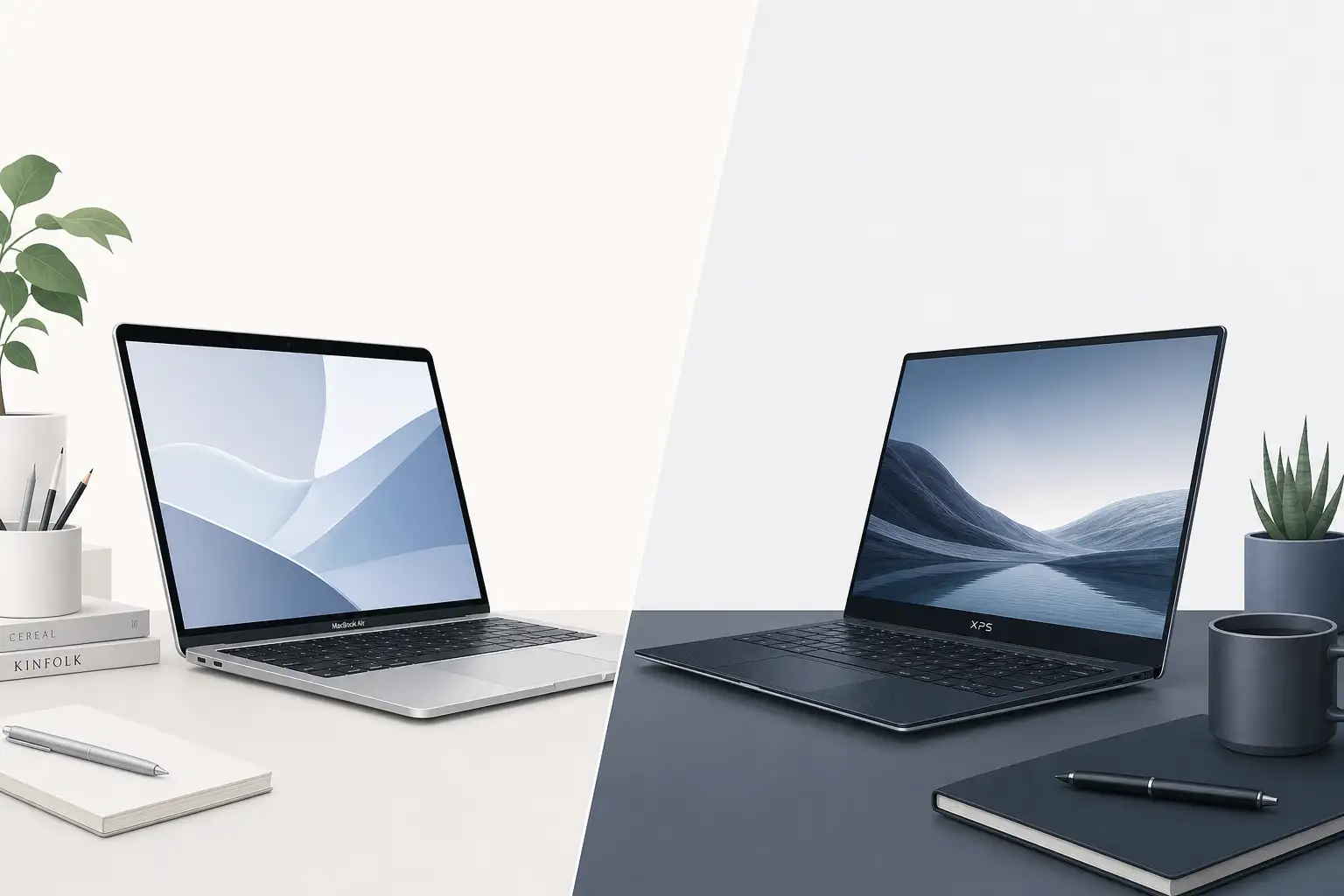
Two of the most talked-about laptops of 2026 arrived from completely different directions. Apple’s MacBook Neo marked the company’s entry into the sub-$800 laptop space, while Dell responded with a refreshed XPS 13 starting at just $599. Both promise premium features at approachable prices, but they take very different approaches to get there.
This comparison breaks down what each laptop actually delivers and who should buy which.
Apple MacBook Neo: The iPhone-Powered Laptop
The MacBook Neo changes Apple’s laptop strategy. Instead of using the same silicon as the MacBook Air and Pro lines, Apple is putting binned A19 Pro chipsets inside — the same processors from the iPhone 17 Pro. Forbes reports that this lets Apple offer macOS at a much lower price than before.
Apple has committed to a 12-month upgrade cycle for the MacBook Neo, synchronized with the iPhone Pro release schedule. This means the first-generation model will likely be replaced within a year by a successor with the next-generation binned chipset, closer to how Apple handles iPhone refreshes than traditional Mac updates.
The Neo runs full macOS, giving you access to the Mac App Store and iPhone apps. Apple is taking thinner margins on the hardware, betting that services revenue and ecosystem lock-in will cover the difference.
Dell XPS 13: Premium at $599
Dell took a different route with the refreshed XPS 13. Starting at $599, it undercuts most premium ultraportables while retaining the XPS line’s signature build quality. CNET identified it as the MacBook Neo’s biggest competitor at this price point, calling it a “biggest threat” in the budget segment.
The XPS 13 maintains the design language Dell established for the XPS line — thin bezels, machined aluminum chassis, and a keyboard that punches above its class. Dell confirmed the $599 model retains premium features rather than stripping them down to hit the price target.
Running Windows 11 with full Copilot integration, the XPS 13 offers broader software compatibility than macOS, particularly for Windows-only applications and games.
Design and Build Quality
The MacBook Neo carries Apple’s minimalist design. The aluminum unibody feels solid, and the thinner profile comes from the A19 Pro’s efficiency — less heat means less fan infrastructure.
The XPS 13 matches it on materials but goes thinner in some dimensions. Dell’s InfinityEdge display technology means bezels are virtually nonexistent on three sides, giving the 13-inch screen a footprint closer to 12-inch competitors.
Performance Comparison
Here’s where the chip architecture difference matters most:
The MacBook Neo’s binned A19 Pro delivers strong single-core performance and excellent efficiency. Web browsing, document work, video calls, and light creative tasks all run smoothly. The trade-off is sustained performance — the binned chips aren’t top-tier silicon, so heavy workloads like video rendering or large code compilations take longer than on a MacBook Air or Pro.
The Dell XPS 13 at $599 likely ships with a mid-range Intel Core or AMD Ryzen processor. It won’t outpace the A19 Pro in efficiency or battery life, but it offers more raw multi-core performance at this price point, especially for Windows-native workloads.
Display
Both laptops prioritize screen quality, which is rare at this price:
- MacBook Neo: Apple’s Retina display with True Tone, P3 wide color, and the usual brightness levels Apple delivers in this range.
- Dell XPS 13: The InfinityEdge panel typically runs at higher resolution than the MacBook Neo, and Dell offers both IPS and OLED options depending on configuration.
For color-critical work, the MacBook Neo’s factory calibration gives it a slight edge. For raw resolution and contrast, the XPS 13’s OLED option wins.
Battery Life
The A19 Pro’s mobile DNA gives the MacBook Neo a clear advantage. iPhone-derived chips are designed first for battery efficiency, and that shows in longer unplugged sessions.
The Dell XPS 13 handles a full workday under typical use, but it falls behind the Neo in sustained light workloads.
Ports and Connectivity
Port selection matters when you’re trying to avoid dongles:
MacBook Neo carries Apple’s modern port strategy. You’ll find USB-C/Thunderbolt ports and a headphone jack. If you need HDMI, SD card, or USB-A connections, you’ll need a hub — the same limitation Apple has maintained since the USB-C transition.
Dell XPS 13 follows a similar minimalist approach with two USB-C/Thunderbolt ports. However, Dell has historically been more generous with port variety across the XPS line, and at the $599 price point they may include a USB-A port to differentiate from premium configurations.
Both laptops support Wi-Fi 6E and Bluetooth 5.3, so wireless connectivity is comparable. The MacBook Neo gains AirDrop for file sharing within the Apple ecosystem, which Windows users will have to replicate with Nearby Share or cloud services.
Keyboard and Trackpad
The MacBook Neo benefits from Apple’s years of trackpad refinement. The Force Touch trackpad remains the gold standard for gesture control, and macOS trackpad gestures are deeply integrated into the operating system — switching between desktops, opening Mission Control, and managing windows all feel fluid.
The XPS 13’s trackpad is among the best on any Windows laptop, with a smooth glass surface and precise click response. Windows precision drivers have closed much of the gap with Apple’s trackpad, though macOS still leads in gesture polish.
For keyboards, the MacBook Neo uses Apple’s latest scissor-switch design with good travel and a quiet typing experience. The XPS 13’s keyboard matches it on travel but offers a slightly wider key pitch, which some users prefer for extended typing sessions.
Security and Privacy
Apple’s security architecture extends to the MacBook Neo with the Secure Enclave built into the A19 Pro chip. Touch ID for authentication is standard, and macOS’s app sandboxing provides strong protection against malware.
The XPS 13 includes a fingerprint reader integrated into the power button and supports Windows Hello facial recognition if equipped with an IR camera. Dell’s SupportAssist provides automated driver updates and system health monitoring.
Both platforms receive regular security patches. Apple controls both hardware and software, which typically means faster patch deployment. Microsoft’s Patch Tuesday cycle is well-established but depends on Dell to deliver firmware and driver updates separately.
Software and Ecosystem
This is the biggest differentiator and the one that should drive your decision:
Choose MacBook Neo if: You already use an iPhone, iPad, or other Apple devices. Handoff, Universal Clipboard, and Continuity make the Neo feel like a natural extension of your setup. Full macOS means access to Final Cut, Logic Pro, and the Mac app ecosystem.
Choose Dell XPS 13 if: You need Windows-specific software, want the flexibility of Windows, or need broader gaming compatibility. Windows 11’s Copilot integration also gives you built-in AI assistance.
Price and Value
| Feature | MacBook Neo | Dell XPS 13 |
|---|---|---|
| Starting Price | ~$599-$799 (estimated) | $599 |
| Processor | Binned A19 Pro | Intel/AMD mid-range |
| OS | macOS | Windows 11 |
| Battery Life | Excellent | Good |
| Software Compatibility | Mac apps + iOS apps | Full Windows ecosystem |
| Upgrade Cycle | Annual (iPhone-synced) | Traditional PC refresh |
Verdict
If you’re already in the Apple ecosystem, the MacBook Neo is the obvious pick. It brings macOS to a price nobody expected from Apple, and the annual upgrade cycle means you won’t be stuck with outdated hardware for long.
If you don’t have an iPhone or prefer Windows, the Dell XPS 13 at $599 gives you more for the money. Premium build, solid performance, and no ecosystem lock-in.
Both laptops exist because Apple and Dell are finally competing for the same buyer: someone who wants a good laptop without spending $1,200. That’s a win.