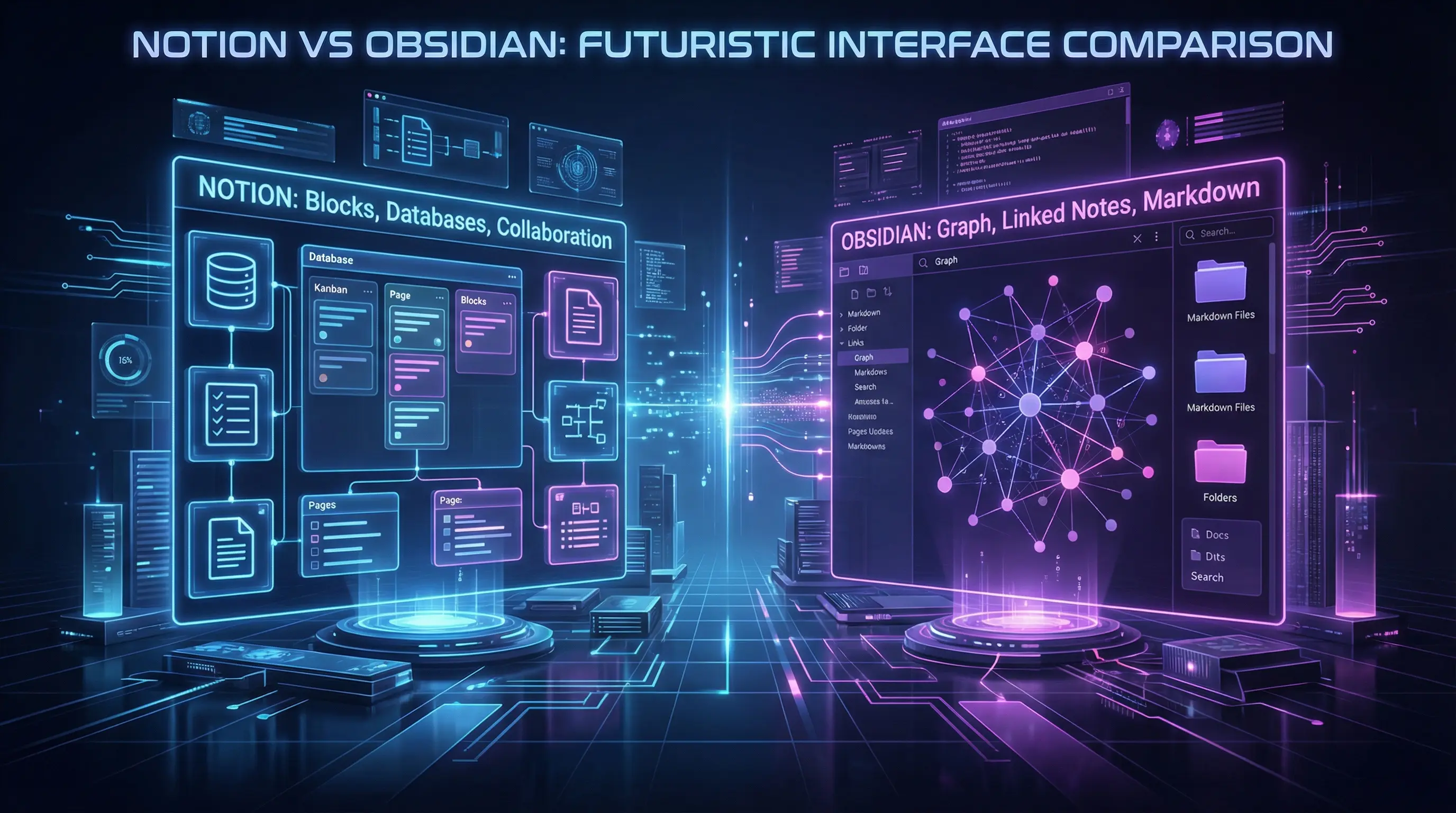
The note-taking world has polarized around two philosophies: cloud-first all-in-one workspaces (Notion) versus local-first markdown editors (Obsidian). Both have passionate followings. Both excel in different scenarios. Let’s find your match.
The Core Philosophies
Notion is a database-powered workspace that handles notes, docs, wikis, project management, and more. It’s designed for teams and individuals who want everything in one place, accessible from any device.
Obsidian is different. It’s a markdown editor that stores files locally on your device. Your notes are plain text files. you own them completely. The magic comes from how notes link together, creating a personal knowledge graph.
Feature Comparison
| Feature | Notion | Obsidian |
|---|---|---|
| Data Storage | Cloud | Local (your device) |
| Offline Access | Limited | Full |
| Mobile Apps | Excellent | Good |
| Collaboration | Real-time | Git-based |
| Knowledge Graph | Limited | Native |
Organization and Structure
Notion uses a drag-and-drop page system with nested hierarchies. You can create databases with properties, views (table, board, calendar, gallery), and relations between databases. It’s powerful but has a learning curve.
Obsidian is simpler: folders and files. That’s it. But the power comes from [[wiki-style linking]] between notes. Build your own structure as you go. The graph view shows how everything connects.
Writing Experience
Notion’s block-based editor is intuitive. Drag blocks around, convert between types, and build rich layouts. The slash command menu makes adding elements fast. It’s great for documents that need formatting.
Obsidian embraces markdown. If you know markdown, you’ll feel at home. If not, you’ll learn. The learning curve pays off. you have precise control over formatting. Live preview mode shows exactly how your content will render.
Plugins and Customization
Obsidian wins here decisively. With hundreds of community plugins, you can add:
- Advanced tables (Dataview, Advanced Tables)
- Task management (Tasks plugin)
- PDF annotation
- Slide presentations
- Canvas for visual thinking
- And much more
Notion has integrations and APIs, but it’s more constrained. You can embed content and use integrations, but you can’t fundamentally change how Notion works.
Data Ownership and Security
This is where the philosophical split matters most.
Notion: Your data lives on Notion’s servers. They have good security, but you’re trusting a third party. If Notion goes down or changes terms, your data is affected. They offer exports, but they’re not instantaneous.
Obsidian: Your notes are plain markdown files on your computer. You completely own them. Sync to other devices is optional (paid feature). No subscription required for core functionality.
Team Collaboration
Notion excels here. Real-time collaboration, comments, mentions, and shared workspaces are built in. It’s designed for teams from day one.
Obsidian is primarily single-user. You can share files via Git or paid sync, but it’s not designed for live collaboration. For teams wanting Obsidian, it’s a harder sell.
Mobile Experience
Notion’s mobile apps are polished. Quick capture, good sync, responsive design. It’s a pleasure to use on phones and tablets.
Obsidian’s mobile app is functional but less refined. It’s gotten better, but it doesn’t feel as native. The core experience is better on desktop.
Making the Choice
There’s no universal winner. only the right tool for your situation.
Choose Notion if:
- You need real-time collaboration
- You want everything (notes, projects, wikis) in one app
- You’re comfortable with cloud storage
- You prefer visual, block-based editing
- Your team needs to share and edit together
Choose Obsidian if:
- You want complete data ownership
- You need offline access
- You value the knowledge graph and linking
- You want deep customization
- Markdown is your friend
Many power users actually use both: Notion for team projects and collaborative docs, Obsidian for personal knowledge management. That’s a perfectly valid approach.