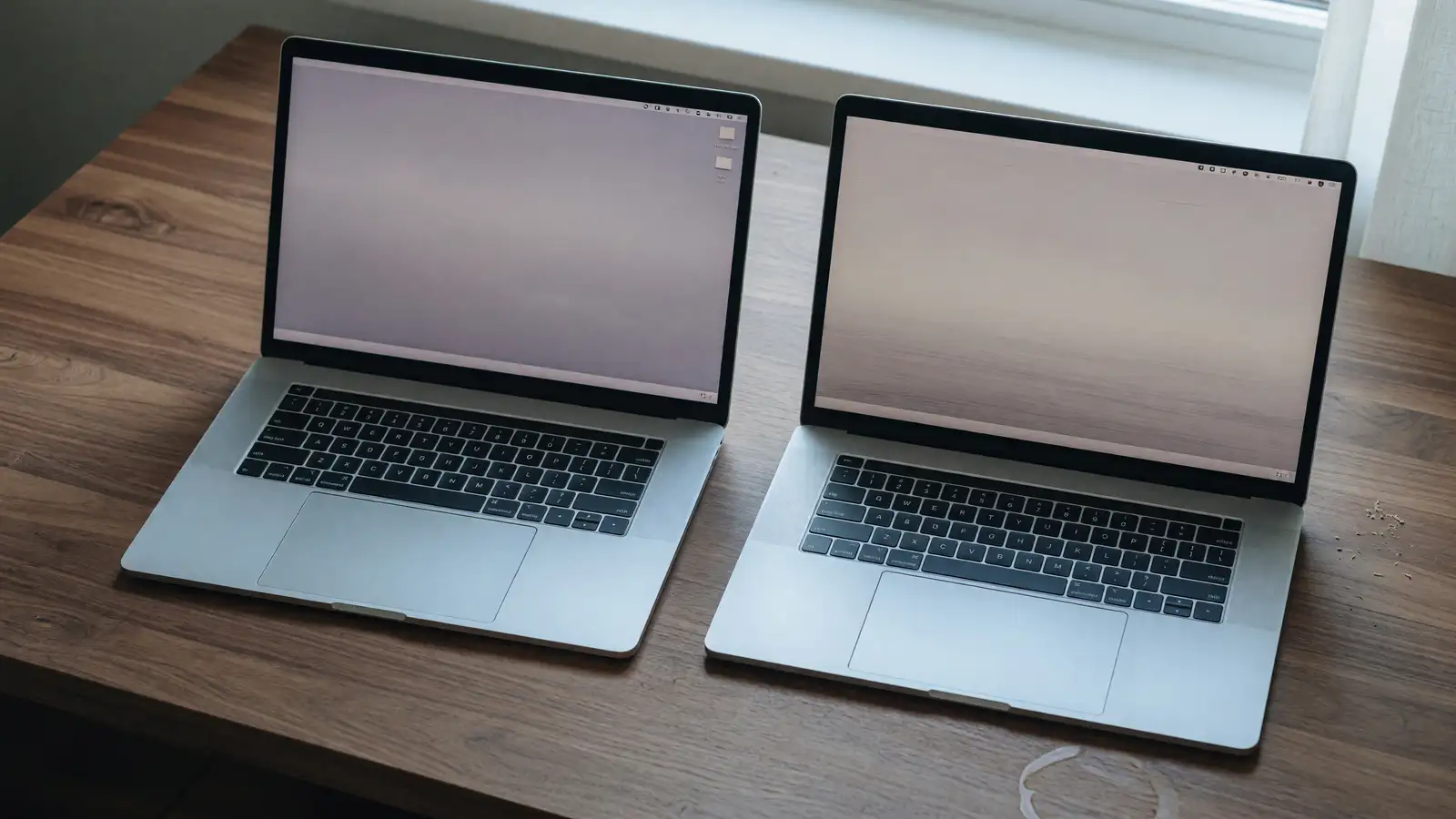
Dell 16S vs Acer Swift 16 AI: The Touchpad Is the Whole Review
PCMag spent this week on a 16-inch Dell that is not an XPS. The 16S review calls it a daily driver: OLED, long battery, metal body, ports, a keyboard you can type on. Charles Jefferies scored it 4.0. The same week, Acer’s Swift 16 AI is still the machine WIRED gave 6/10 because the trackpad is a drawing tablet that lives where your palms want to rest. Gizmodo ran the same complaint.
We already put XPS 16 against MacBook Pro 16. That was flagship money. This pair is the 16-inch Windows shelf underneath: Dell’s new mainstream slab versus Acer’s Panther Lake showpiece.
The numbers on the desk
Dell 16S as PCMag tested it: $1,649.99 (starts at $1,549.99). Intel Core Ultra 7 355, 16GB RAM, 1TB SSD in the spec table, 16-inch OLED at 2880×1800, 120Hz, 0.61 × 14.1 × 9.9 inches, 4.1 pounds. Battery test: 18 hours. Intel Graphics, not Arc B390. Wi-Fi 7, Bluetooth 6. Keyboard and touchpad called comfortable. Quiet. Webcam with no privacy shutter.
Acer Swift 16 AI as Gizmodo and WIRED describe the 2026 unit: Intel Core Ultra X7 358H, Intel Arc B390, 1TB SSD, 16-inch 120Hz 3K OLED. Two RAM SKUs, 16GB or 32GB. Gizmodo’s street prices in a memory-shortage market: $1,599 for 16GB, $1,799 for 32GB. WIRED’s Best Buy link sat at $1,550. Thickness 0.58 inch. Weight in comparison tables is about 1.55 kg, roughly 3.4 pounds. HDMI 2.1, two USB-A ports, two USB-C, microSD, headphone jack.
PCMag’s own 16S write-up says the expensive 16S configs lose to the Swift 16 AI and to Asus’s Zenbook A16. That sentence is the map. Buy the cheap 16S. Do not climb Dell’s X7/X9 options unless you like paying XPS-adjacent money for a non-XPS chassis.
Hands, not Cinebench
Acer put a number pad on a 16-inch deck and then grew the haptic pad so it would stay centered. WIRED liked the theory: the pad doubles as a Wacom-style tablet with the included stylus. WIRED did not like the practice. Unwanted clicks. Palms. A pad so large that typing becomes a sport. Gizmodo says the stylus story works and the typing story does not, and tells you to buy the 14-inch Swift AI instead.
Dell’s 16S review reads like the opposite personality. Comfortable keyboard. Normal touchpad. Sturdy metal. Slightly heavy. That 4.1-pound number is the tax. You feel it in a backpack next to the Swift. You do not feel it on a desk, which is where a 16-inch OLED actually lives.
If you draw, Acer’s pad is a feature. If you write, it is a bug with a press release. Most people who buy a 16-inch Windows laptop are writing.
Ports and the XPS shadow
WIRED keeps comparing the Swift to Dell’s XPS 16, not to the 16S, because the Swift is hunting that thinness. XPS 16 is USB-C plus a headphone jack and a luxury price. Swift keeps HDMI 2.1 and USB-A in a 0.58-inch slab. That is the adult feature list.
The 16S also talks ports. PCMag lists a generous selection and does not make you buy a dongle farm on day one. Sitting below XPS is the point. You get the screen class without the docking-station lifestyle.
Charge-on-one-side is a WIRED ding on the Swift. You will care if your cafe table has the outlet on the wrong flank. You will not care at a desk with a brick behind the monitor.
CPU: 355 versus 358H
The as-tested 16S is a Core Ultra 7 355 with Intel Graphics. Fine for Office, browsers, light photo work, a 2880×1800 panel. Dell will sell you a Core Ultra X7 358H or Ultra 9 386H with 32GB and, on the X7, Arc B390. PCMag’s warning is blunt: those configs are too pricey, and the Swift and Zenbook A16 already occupy that performance band.
The Swift’s whole pitch is that X7 358H plus Arc B390 at a price that undercuts Samsung’s Galaxy Book 6 Ultra with the same chip. Gizmodo still would not call it the best Panther Lake 16-inch. WIRED liked performance and battery, then docked it to 6/10 on input devices.
If you need the X-series GPU, the Swift is the comparison, not the base 16S. If you need a machine that disappears under your hands, the base 16S is the comparison, not the Swift.
Battery and build
Eighteen hours on PCMag’s 16S test is the kind of number you can plan a workday around. Treat lab loops as rankings. Framework 13 Pro versus MacBook Pro 14 already taught that lesson: video-loop hours are not compiler hours. Still, 18 hours on a 16-inch OLED is the reason the 16S exists.
WIRED’s Swift notes are qualitative: competitive battery, some chassis flex, grainy webcam, lid corners that bend. Gizmodo calls out shallow key travel on an ultra-slim deck. The 16S is thicker at 0.61 inch and heavier, which is how Dell bought a keyboard PCMag did not complain about.
RAM is soldered on the Swift. Memory prices are ugly this year. $200 to go from 16GB to 32GB on Acer’s sheet is a decision you make once. The 16S as tested is 16GB. If 16GB is your ceiling, do not buy a 16-inch OLED to fight Chrome. Close tabs. Or pay for 32GB on the Swift and live with the pad.
Who should buy which
Buy the Dell 16S at the $1,550–$1,650 rung if you want a 16-inch OLED for mail, docs, video, and a bag that already holds a charger. You get a normal pointing device, a quiet machine, and a battery test that does not require faith. Skip the X7/X9 upsell unless Dell is heavily discounting it. PCMag already told you those SKUs are a bad deal against Acer and Asus.
Buy the Acer Swift 16 AI if you specifically want Panther Lake X7 358H and Arc B390 in a 3.4-pound chassis with HDMI, and you have already tried the haptic pad in a store. If the pad annoys you in five minutes, it will annoy you in five months. Gizmodo’s advice to drop to the 14-inch Swift is the honest out.
If you were shopping XPS 16, neither of these is that laptop. XPS is thinner in the ways marketing likes and poorer in the ways a traveler likes (ports). The 16S is the Dell you can actually plug things into. The Swift is the Acer that almost caught XPS on thickness and then tripped on a trackpad.
Display is the one place they are cousins, not rivals. Both are 16-inch OLED at 120Hz. Dell’s tested panel is 2880×1800. Acer’s is a 3K class panel WIRED and Gizmodo both call vibrant. Neither is a matte workhorse. If you work next to a window, you will fight reflections on both. The 16S does not magically solve that. It just does not add a palm-rejection problem on top.
Webcams are a wash in the wrong direction. PCMag dinged the 16S for no privacy shutter. WIRED called the Swift’s camera grainy. If video is half your job, budget a $50 shutter cover and a light. Do not pick a $1,600 chassis on the lens.
Quiet operation on the 16S is the spec that does not show up in a CPU table. A 16-inch machine that sits on a dining table during a call should not sound like a renderer. PCMag said it does not. Slim Panther Lake boxes often do, once the X7 gets a load.
Winner: Dell 16S, for the configuration PCMag tested. The Swift wins a spec sheet. The 16S wins a workday. A 16-inch Windows laptop that fights your palms is not a workstation. It is a demo unit that went on sale.