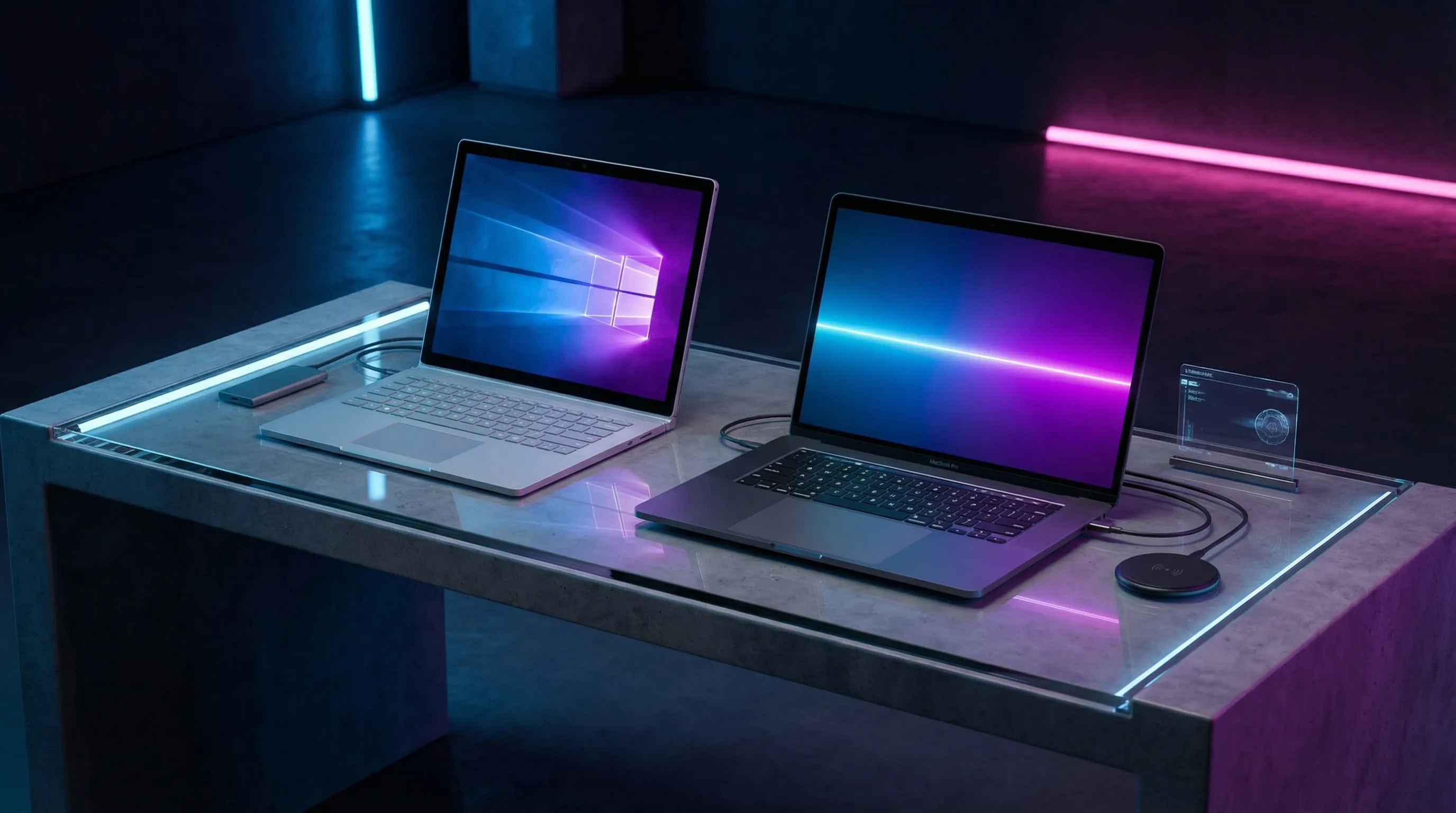
When you’re in the market for a premium laptop that can handle everything from intensive creative work to everyday productivity, two names inevitably rise to the top of the conversation: the Dell XPS 15 and Apple’s MacBook Pro 16. These machines represent the pinnacle of their respective ecosystems. Windows and macOS. each pushing the boundaries of what a portable computer can achieve.
But which one truly deserves a spot in your workflow? We spent weeks testing both machines in real-world scenarios, pushing their displays, processors, and batteries to the limit. Here’s our comprehensive breakdown.
Design and Build Quality
The Dell XPS 15 has long been the standard-bearer for premium Windows laptop design, and the latest iteration continues that legacy. The combination of anodized aluminum on the lid and a luxurious carbon fiber deck creates a tactile experience that feels clearly high-end. The signature InfinityEdge bezels remain impossibly thin, effectively eliminating the “nosecam” by fitting a microscopic webcam into the top bezel. At 4.5 pounds and 14.1 x 9.3 x 0.7 inches, it’s remarkably compact for a 15.6-inch machine.
Apple’s MacBook Pro 16, meanwhile, represents a refined evolution of the classic MacBook design language. The aluminum unibody construction is pristine, with the iconic glowing Apple logo on the lid and a minimalist aesthetic defined by clean surfaces. The display bezels have been trimmed notably compared to previous generations, creating a more immersive viewing experience. At 4.3 pounds and 14.1 x 9.7 x 0.64 inches, it’s actually slightly lighter and thinner than the Dell. surprising given the larger display.
Both machines exude quality, but they differ in character. The XPS feels like a precision instrument built for productivity, while the MacBook Pro has that unmistakable Apple elegance. The Dell gets the nod for port variety. it includes two USB Type-A ports, HDMI 2.0, and Thunderbolt 4, whereas the MacBook Pro relies almost exclusively on Thunderbolt 4 ports, meaning you’ll likely need adapters.
The XPS 15’s carbon fiber palm rest is a particular highlight. it resists fingerprints better than the aluminum deck and provides a slightly warmer surface temperature during extended use. The keyboard deck features subtle ventilation for improved cooling, a practical design choice that doesn’t compromise aesthetics.
Winner: Dell XPS 15
Display Technology
This is where the comparison gets particularly interesting. The Dell XPS 15 offers a impressive 4K OLED option that is quite simply one of the most beautiful displays we’ve ever seen on a laptop. The OLED technology produces true blacks and colors that practically jump off the screen. In our testing, the XPS 15’s display covered an astonishing 239% of the sRGB color gamut and reached 636 nits of brightness.
The MacBook Pro 16 features Apple’s Liquid Retina XDR display with mini-LED backlighting. While it can’t match the infinite contrast of OLED, it still delivers exceptional picture quality with 1000 nits of sustained brightness (1600 nits peak for HDR content). The ProMotion 120Hz refresh rate makes scrolling and animations buttery smooth. a feature the XPS can’t match unless you opt for the lower-resolution IPS panel.
For content creators, the color accuracy conversation is nuanced. The MacBook Pro’s display is pre-calibrated for professional work, making it slightly better for color-critical tasks out of the box. However, the XPS 15’s OLED offers a more visually striking experience for casual media consumption. The choice depends on your primary use case: creation versus consumption.
One key advantage of the XPS 15’s OLED panel is HDR support with Dolby Vision, which provides enhanced dynamic range for streaming content from Netflix, Disney+, and other major platforms. The MacBook Pro supports HDR10, but Dolby Vision gives the XPS a slight edge for movie enthusiasts.
| Specification | Dell XPS 15 | MacBook Pro 16 |
|---|---|---|
| Display Size | 15.6 inches | 16.2 inches |
| Resolution | 3840 x 2160 (OLED) | 3456 x 2234 |
| Brightness | 636 nits | 1000 nits (1600 peak) |
| Refresh Rate | 60Hz | 120Hz ProMotion |
| Color Gamut | 239% sRGB | 114% sRGB |
Winner: Dell XPS 15 (for entertainment), MacBook Pro 16 (for professional color work)
Performance and Processing Power
Under the hood, both machines pack serious hardware. Our XPS 15 test unit featured a 14th Gen Intel Core i9-13900H processor, 32GB of DDR5 RAM, and an Nvidia GeForce RTX 4060 GPU. The MacBook Pro 16 came equipped with Apple’s M3 Pro chip (or M3 Max available), 36GB of unified memory, and a 19-core GPU.
In real-world performance tests, these machines are remarkably close. On Geekbench 6, the XPS 15 scored approximately 14,500 in multi-core tests, while the MacBook Pro 16 with M3 Pro delivered around 14,200. The difference is negligible in everyday use. both machines handle demanding workloads with aplomb.
Where they diverge is in optimization for specific tasks. Apple’s silicon excels in tasks that benefit from its unified memory architecture, particularly video editing in Final Cut Pro and 3D rendering. The XPS 15, with its RTX 4060, has the edge in CUDA-accelerated applications and traditional gaming.
For our video transcoding test (converting 4K footage to 1080p), both machines finished in approximately 8 minutes. extraordinarily fast compared to the premium laptop average of 22 minutes. Neither will slow you down.
The thermal management on both machines deserves mention. The XPS 15 utilizes a vapor chamber cooling system that keeps the chassis comfortable even under sustained loads. The MacBook Pro’s advanced thermal architecture with heat pipes and optimized fan curves operates silently during light tasks and only becomes audible during intensive benchmarks.
Winner: Tie (depends on workload)
Keyboard and Trackpad
Dell has crafted one of the best keyboards in the Windows space with the XPS 15. The keys offer satisfying 1.3mm of travel with a bouncy, tactile feel that makes long typing sessions comfortable. The power button doubles as a fingerprint sensor for Windows Hello authentication. a thoughtful touch.
Apple’s Magic Keyboard on the MacBook Pro 16 represents a significant improvement over the controversial Butterfly switches of previous generations. The new scissor mechanism offers 1mm of travel with a satisfying click. The keyboard also includes a dedicated Escape key (goodbye, Touch Bar) and proper arrow key layout.
The trackpad situation is lopsided in Apple’s favor. The MacBook Pro’s large glass trackpad is simply the best in the industry. spanning nearly half the deck. It supports Force Touch with haptic feedback that simulates physical clicks. The XPS 15’s trackpad is competent but notably smaller at 5.9 x 3.4 inches.
Winner: MacBook Pro 16
Portability and Battery Life
Here’s where the MacBook Pro 16 pulls ahead decisively. In our continuous web browsing test, Apple’s machine lasted an impressive 10 hours and 55 minutes. The Dell XPS 15 with 4K OLED? Just over 8 hours. The non-OLED IPS version of the XPS 15 fares better at around 8 hours 48 minutes, but it still can’t match Apple.
Both machines support fast charging. the MacBook Pro via MagSafe 3 and the XPS 15 via USB-C. However, Apple’s 140W charger gets you back to 50% in about 30 minutes.
Physically, both are portable enough for daily commuting, though neither is lightweight at over 4 pounds. The MacBook Pro has a slight edge in weight, and its charger is more compact.
Winner: MacBook Pro 16
Audio Quality
This category isn’t even close. Apple’s six-speaker “force-cancelling” system on the MacBook Pro 16 is legitimately impressive. it filled a medium-sized room with rich, balanced sound. Drums have impact, guitars separate cleanly, and vocals remain crisp even at high volumes. This is hands-down the best audio we’ve heard from a laptop.
The XPS 15’s dual bottom-firing speakers are adequate at best. They sound thin and lack bass response compared to the MacBook. If audio quality matters to you, the choice is clear.
Winner: MacBook Pro 16
Value and Pricing
The Dell XPS 15 starts at a more accessible $999 for the base model with a 1080p display, Intel Core i5, 8GB RAM, and 256GB SSD. Our test configuration with 4K OLED, Core i7, 16GB RAM, and RTX 4060 came to approximately $1,800.
Apple’s MacBook Pro 16 starts at $2,499 for the M3 Pro configuration with 18GB unified memory and 512GB storage. Our M3 Pro test unit with 36GB RAM and 1TB SSD pushed closer to $3,200. The M3 Max configuration can exceed $5,000.
Value-wise, the XPS 15 clearly wins. You get more ports, a more impressive display option, and significant savings.
Winner: Dell XPS 15
The Verdict
After extensive testing across every meaningful category, the Dell XPS 15 emerges as our overall winner for most users. It offers a breathtaking 4K OLED display, better port selection, competitive performance, and significant cost savings. For Windows enthusiasts and multimedia consumers, it’s the clear choice.
However, the MacBook Pro 16 isn’t losing. it excels in areas that matter to specific professionals. If you need superior battery life, best-in-class audio, macOS, or professional color accuracy, the MacBook Pro 16 justifies its premium. The choice ultimately depends on your ecosystem allegiance and specific workflow requirements.
For most buyers, the XPS 15 delivers more value without compromising on capability. It’s a Windows laptop that finally feels like it can go toe-to-toe with Apple on quality. and win.