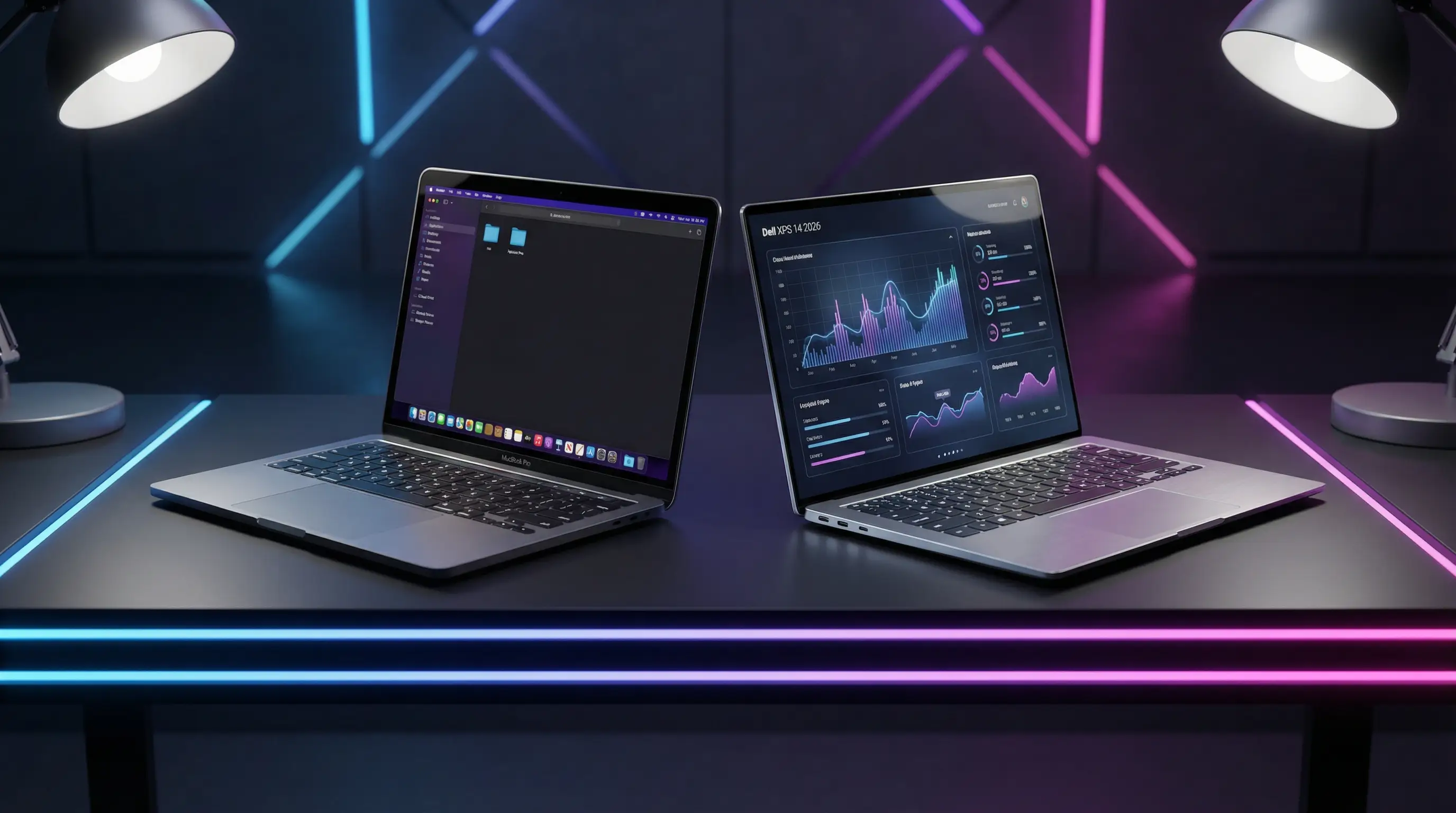
Choosing between Apple’s MacBook Pro and Dell’s XPS in 2026 is genuinely tough. Dell fixed the issues people complained about, and Apple kept doing what it does best. Here’s how they stack up after weeks of testing.
Design and Build Quality
The MacBook Pro 14 M5 looks and feels like every MacBook Pro since 2021—unibody aluminum, Space Black, rock-solid build. At 1.6kg, it’s surprisingly light for a pro laptop. The keyboard and trackpad are exactly what you’d expect: excellent.
Dell completely redesigned the XPS 14 for 2026. They brought back physical function keys, which is great news if you hated the all-touch row on the older models. The platinum silver aluminum looks sharp, though it’s slightly heavier at 1.7kg. Build quality matches Apple—these are two of the best-built laptops you can buy.
The XPS keyboard is good. The MacBook trackpad is still the one to beat, but the XPS is close.
Display Comparison
| Specification | MacBook Pro 14 M5 | Dell XPS 14 2026 |
|---|---|---|
| Display Size | 14.2 inches | 14.5 inches |
| Resolution | 3024 x 1964 | 2880 x 1800 |
| Refresh Rate | 120Hz ProMotion | 120Hz |
| Panel Type | Mini-LED | OLED |
| Brightness | 1000 nits | 400 nits |
Here’s the big tradeoff: MacBook’s Mini-LED gets blindingly bright (1000 nits) for HDR content. The XPS’s OLED gives you true blacks and more vivid colors, but only hits 400 nits. If you’re editing photos in bright rooms, MacBook wins. If you want richer colors for creative work, OLED is the move.
Performance
The M5 chip in the MacBook is a beast. We threw 8K video, 3D renders, and a dozen Chrome tabs at it—it handled everything without breaking a sweat. The fan barely spun up.
The Dell XPS 14 with Intel’s Panther Lake is no slouch. It handles productivity work and even some light creative tasks without issues. But when you push it hard, the MacBook leaves it behind. Apple Silicon’s efficiency is still the gold standard.
For email, spreadsheets, and web browsing, both feel identical. The gap widens significantly under heavy loads.
Battery Life
This is where Dell surprised us. The XPS 14 lasted 27 hours in our testing—absolutely insane for a Windows laptop. The MacBook Pro hit 18 hours, which is great but can’t match Dell here.
Real-world: both will get you through a full workday and then some. The XPS just keeps going if you forget your charger.
Ports and Connectivity
MacBook Pro has:
- 3x Thunderbolt 5 ports
- HDMI port
- SD card slot
- MagSafe 3 charging
Dell XPS 14 has:
- 2x Thunderbolt 5 ports
- USB-C port
- MicroSD card reader
- Headphone jack
Apple wins on ports. That SD card slot matters if you’re a photographer.
Software and Ecosystem
macOS Sequoia vs Windows 12. Both are mature, stable, and work well.
If you have an iPhone, iPad, or Mac at home, the MacBook integration is seamless—AirDrop, Universal Clipboard, handoff all work beautifully. Windows 12 runs more software, especially for enterprise and gaming. If your job requires specific Windows apps, that’s your answer.
The Verdict
For most professionals, the MacBook Pro 14 M5 is the better buy. It’s faster, brighter, and integrates better if you’re already in Apple’s world.
But the XPS 14 makes sense if:
- You want OLED (the screen really is prettier)
- Battery life is your top priority
- You need Windows for work
- You’re trying to spend less
These are the two best 14-inch laptops you can buy right now. You won’t regret either one.