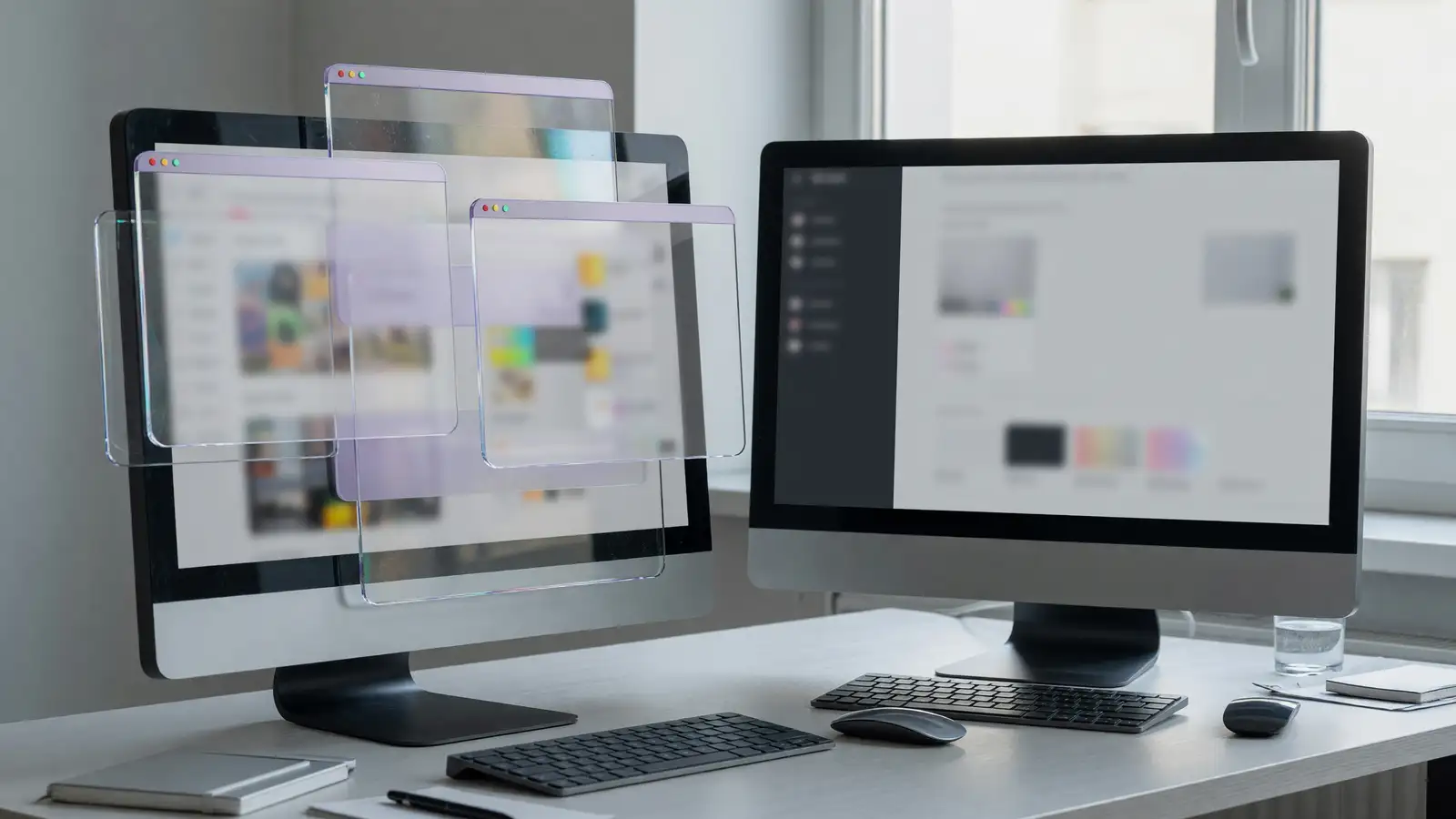
Tahoe tried to make windows look like glass furniture. Golden Gate puts the furniture back against the wall. That is the review in one line, and both of this week’s long writes agree on it.
Jason Snell at Six Colors, dated September 14, calls Golden Gate the update that “rectifies macOS 26 Tahoe’s greatest sins.” Andrew Cunningham at Ars Technica, September 16, is dryer and more useful on the parts that will break later: Encrypted HFS+ is leaving in a future version, and the DVD Player framework is already closed to new builds.
I am giving the win to Golden Gate if you are already on Tahoe. You are not choosing a philosophy. You are choosing whether the sidebar sits in the window or floats in a puddle next to it.
This is not Claude Design versus Figma Make. It is not Claude Code versus Copilot. It is an operating system you already paid for, arguing with last year’s operating system.
What each release is
macOS 26 Tahoe is the glass year. Floating sidebars inset from the window edge. Soft title-bar dividers that disappear in Finder and Photos. Toolbars that Snell calls flattened and ghostly. Icons in a squircle, with anything that sticks out dropped into a gray box.
macOS 27 Golden Gate is the correction year. Snell’s Finder comparison is the screenshot you need: windows a little less rounded, toolbars easier to read, sidebar all the way to the edge, darker sidebar background, colored sidebar icons. Ars says Apple also made the smaller corner radius consistent across apps, sitting between Tahoe’s roundest look and the pre-Tahoe default. Consistency is the feature. Pixel-peepers get sharper icon detail. Everyone else gets a window that stops looking unfinished.
If you stayed on Sequoia or earlier, this comparison is not your buying guide. You are choosing whether to enter the 26–27 design fight at all. Most people who waited will skip Tahoe on purpose.
Interface: Golden Gate, and it is not close
Snell is blunt about Apple’s language. “Even more refined” means Tahoe was broken. Floating glass sidebars looked clever in a keynote and cheap in Finder. Golden Gate reverts them to the left edge. Colored icons come back, which is how you find Downloads without reading.
Toolbars pick up shading. In Photos they become actual bars instead of a row of glassy buttons the system had to shade from behind. One weirdness, still from Snell: inactive windows can look more legible than the active one. That is a bug you can live with. Tahoe’s bug was that the active window was hard to read.
Ars noticed the same course correction on built-in icons. Most designs did not change. The glass got tweaked. Maps and Stocks picked up new glassy circles. Activity Monitor got a glowing dot. If you care, you will care. If you do not, you still get the sidebar.
Icons that refuse the squircle still sit in the gray box of shame. Clear and Tinted appearance modes still strip color, which makes that box worse. Neither review claims Apple fixed icon identity. They claim Apple stopped making the rest of the chrome worse.
Sidecar and Siri are the two new verbs
Tahoe’s Sidecar was an Apple Pencil story. Golden Gate’s Sidecar, per Six Colors, takes the iPad’s finger. Apple updated its own apps and gave third parties the hooks. You can scroll a Mac browser window and drag windows — on that iPad, used as a display. Snell reads this as a dry run for a touch MacBook later this year or early next. Maybe. You should care about the part you can buy now: the tablet on your desk is a trackpad that also shows pixels.
Siri and Spotlight are one box in 27. Snell calls it the merge Apple should have done years ago. The branding is Siri AI, LLM features on top of search. His example is a dated message recall (September 1, 2026) that actually found the right thread. Treat that as one reviewer’s machine, not a benchmark. The product change is architectural: one type-to-find field instead of two.
Ars is colder on Apple Intelligence. In the 27-era OS releases, people in their test thought the new model was better or indistinguishable most of the time, and a downgrade nearly a quarter of the time. “Kind of a lot,” Cunningham writes. If Intelligence is why you would upgrade, that quarter should slow you down. If the sidebar is why you would upgrade, ignore the model card.
Compatibility is where Tahoe still has a leftover
Ars, not Six Colors, is the piece to read before you click update.
Encrypted HFS+ volumes: still work in Golden Gate. Apple says support goes away in a future macOS and wants you on encrypted APFS. If your backup ritual still involves an old encrypted HFS+ disk, convert it this month. Do not wait for the release that deletes the driver. I am not going to guess whether that is 27.x or 28. I am going to tell you the clock started.
DVD Player: the framework is already gone for developers. Apps cannot build against it. The app itself still opens discs. Apple says the framework “will be removed in a future macOS release,” and the app will presumably follow. If you still have a USB SuperDrive for a reason that is not nostalgia, keep a machine that can build against the old framework, or rip the discs.
Those two leftovers are the only honest case for staying on 26 a little longer. They are not a case for staying forever. They are a migration list.
Pricing, and the winner field
Both releases are free if your Mac is in the software window. There is no SKU. The cost is time, third-party apps that chased Tahoe’s glass, and any disk you still encrypt the old way.
| Job | Tahoe (26) | Golden Gate (27) |
|---|---|---|
| Sidebar | Floating inset glass | Edge of the window, darker, color icons |
| Window corners | Rounder, inconsistent | Smaller, consistent |
| Toolbars | Ghostly / soft dividers | Actual bars, more shading |
| Sidecar | Pencil | Finger on the iPad |
| Find-things UI | Siri and Spotlight apart | Merged as Siri AI |
| Encrypted HFS+ | Works | Works, officially doomed |
| DVD framework | Legacy | Cannot build against it |
| Apple Intelligence | Tahoe-era | Mixed perception; ~1/4 saw a downgrade |
Winner: Golden Gate. Not because Siri AI is a miracle. Because Tahoe’s chrome was the product, and the product was tiring. If a specific app is still broken on 27, wait for a point release. If your only reason to wait is habit, you are paying Tahoe’s design tax on purpose.
Who should wait, and for how long
Wait if a single app you invoice with is still drawing Tahoe’s inset sidebar and breaks when the chrome moves. Design tools did this in the 26 cycle. Give the vendor a week. Do not give them a quarter.
Wait if you restore from encrypted HFS+ disks every Friday. Convert one disk this weekend on a machine that still mounts it. Confirm the restore. Then update. Ars did not give you a version number for the removal. That is the point. Apple told you the direction.
Wait if you author DVD software. The framework is already closed. Golden Gate is not your friend. Keep a build machine.
Do not wait because you liked Tahoe’s glass. Snell’s comparison is unkind and correct. The floating sidebar was a metaphor that lost to contrast. Colored icons are how humans find folders. You can miss glass in a screenshot. You will not miss it at 11 p.m. in Finder.
Hardware is the other filter. If your Mac is already out of the software window, this comparison is entertainment. If it is in the window and struggling with 26’s effects, 27’s slightly less rounded chrome will not save the fan. Memory and the SSD will. I am not turning this into a laptop roundup. We already do those in another category.
Apple Intelligence should not decide this. Ars’s “nearly a quarter saw a downgrade” is enough to treat the model as a side quest. Sidecar with a finger is a real change if you already own an iPad that sits next to the Mac. If you do not, it is a bullet in a table.
Six Colors ends by saying Golden Gate cannot live up to the bridge it is named after, and that it is still a very good update. That is the right temperature. Upgrade from Tahoe. Do not write a poem about Siri. Put the sidebar back on the edge and convert the old disk.
If you test on a spare volume, keep Tahoe around for one week of the apps that print money. Accounting, the design file, the audio editor. Open the same document on 27. Scroll. Save. Export. If that works, erase the test volume and move. If it does not, you have a vendor email, not a reason to live in glass forever.
Snell’s Sidecar note about a future touch MacBook is gossip you can ignore at checkout. The iPad you already own either sits beside the laptop or it does not. Finger scrolling on that iPad is the feature. A rumored laptop is not.
Ars’s DVD and HFS+ sections are the only pages I would print. Put them next to the machine. When Apple deletes the driver, you will not get a sympathetic blog post. You will get a volume that will not mount. Convert while the volume still opens. That is the whole compatibility section, restated because people skip it. Skipping it is how a free upgrade becomes a weekend in Disk Utility. Do the conversion first. Then click the update. In that order. No other order.
I still would not jump from an older macOS just to get Siri in Spotlight. I would jump from Tahoe the week your main apps say they are ready. The sidebar should never have left the edge.